Description
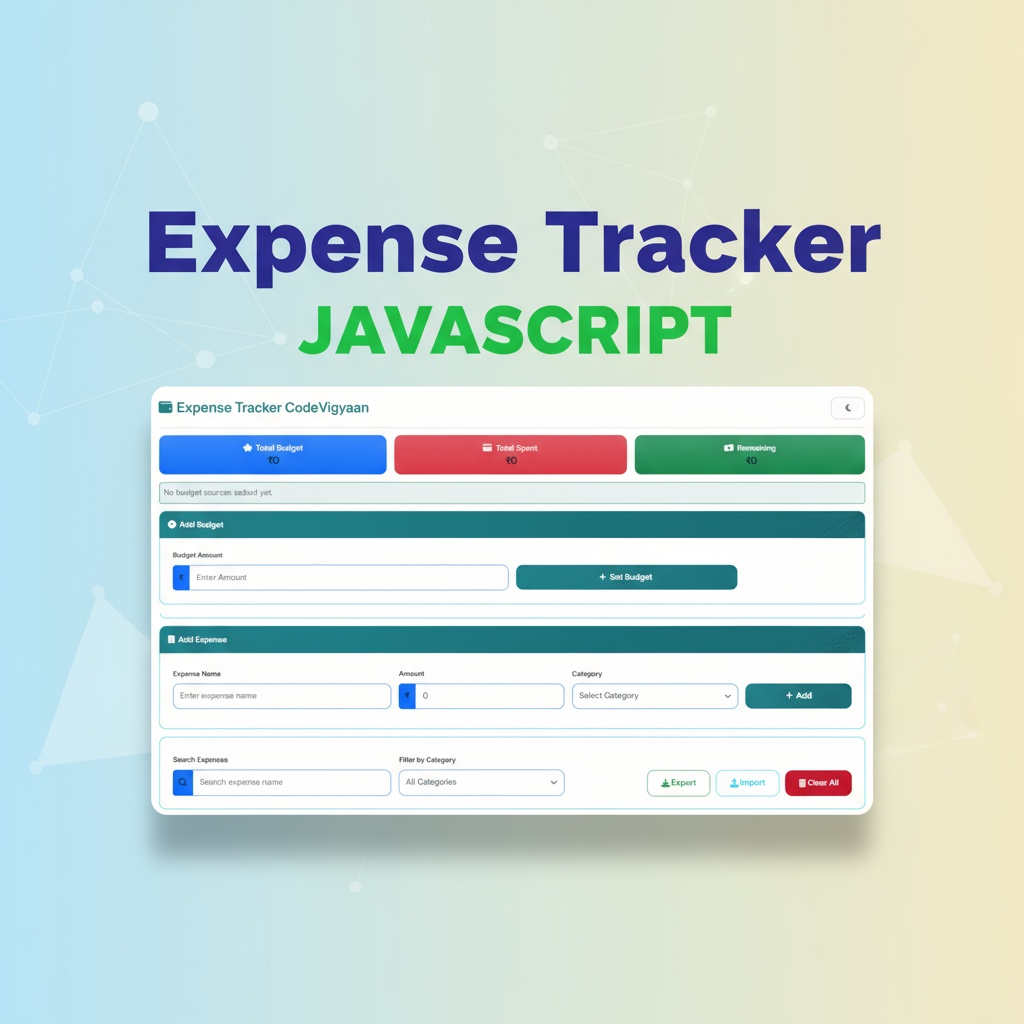
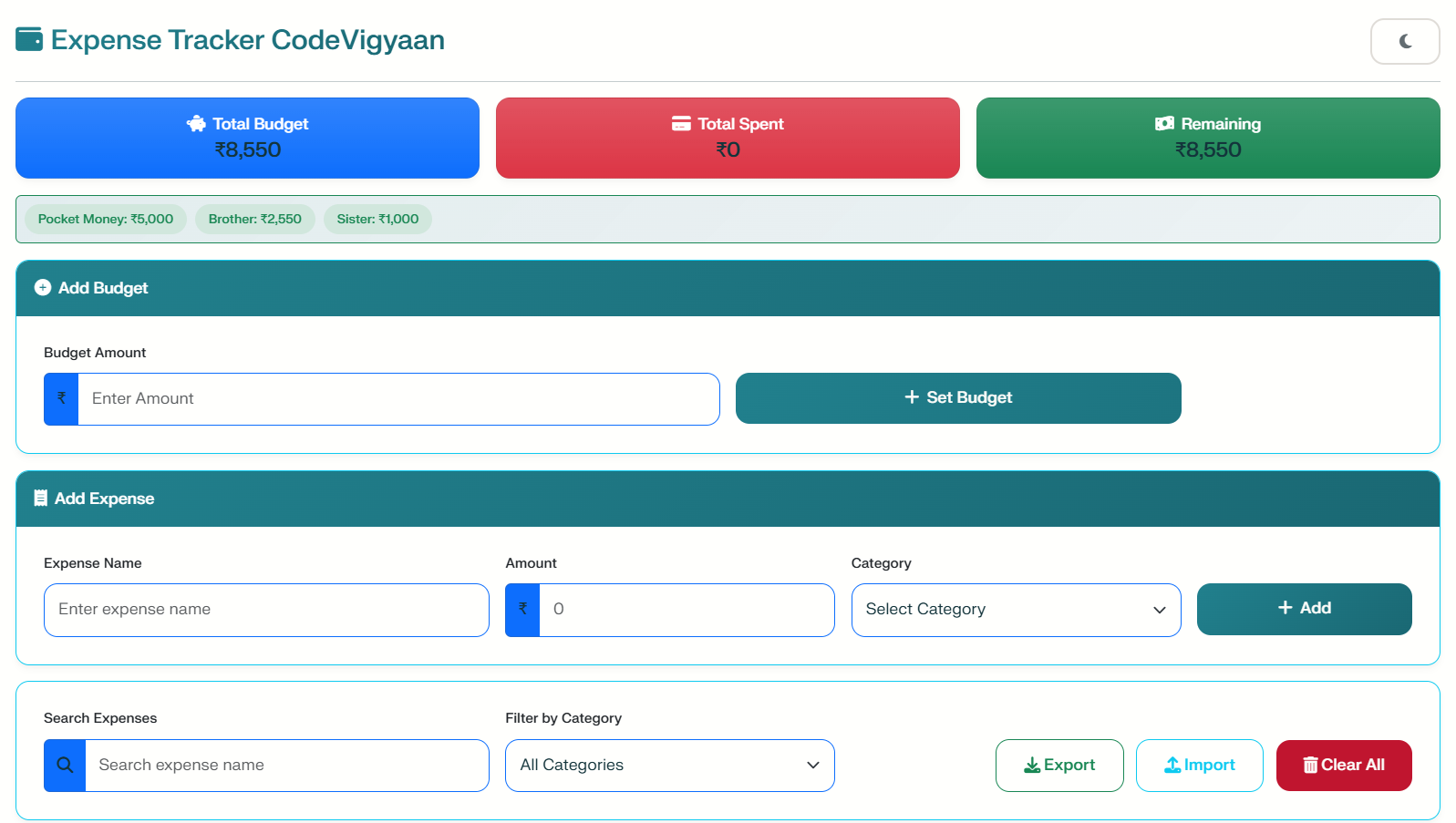
The Expense Tracker Pro is a modern, learning-focused web application developed under the CodeVigyaan initiative. This tool helps students, freelancers, and hobbyists practice building real-world project structures. Furthermore, it allows you to improve your coding skills while creating a professional portfolio. This frontend-only application is designed specifically to help individuals manage their financial expenditures efficiently.
Smart Financial Management Features
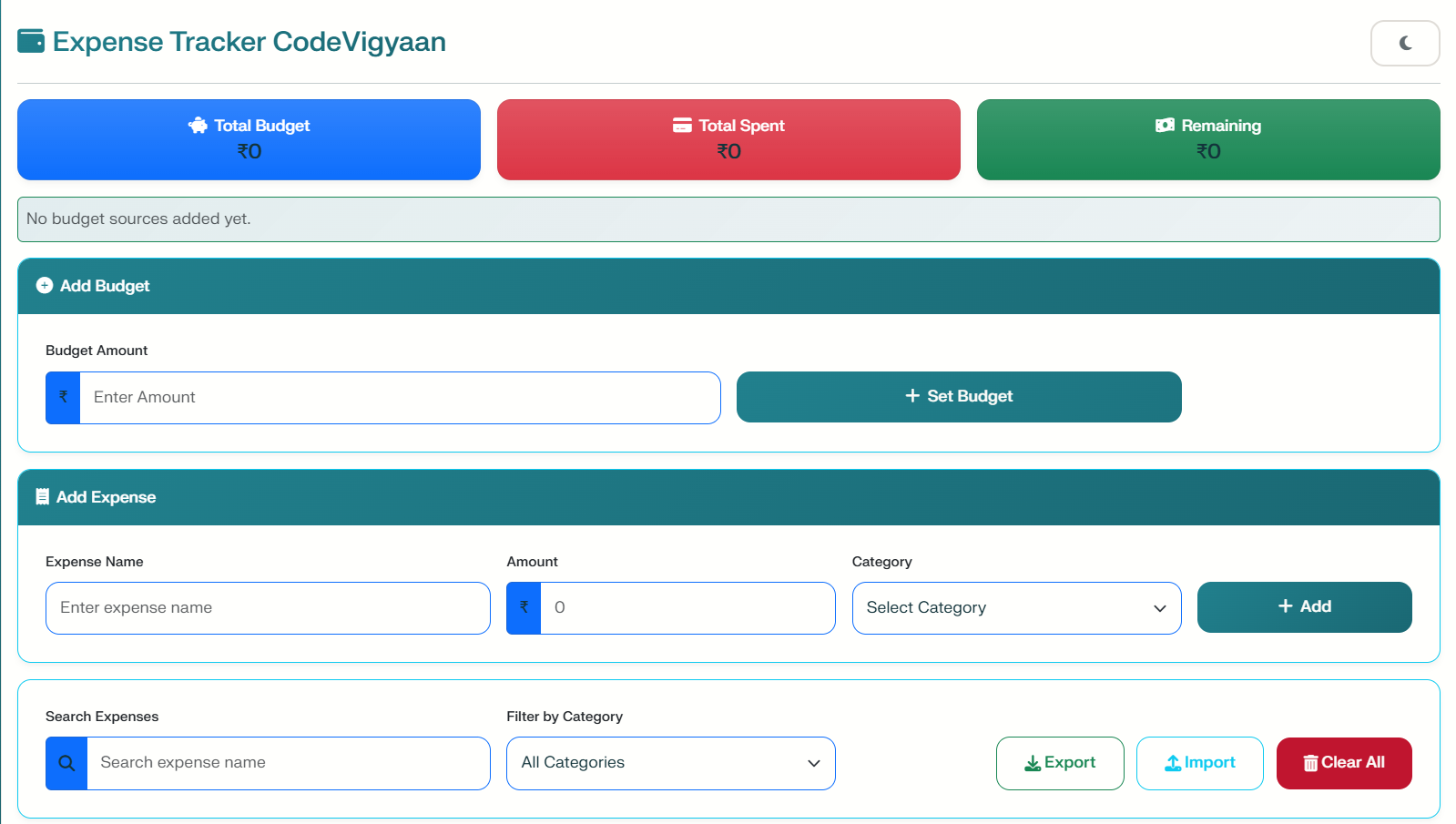
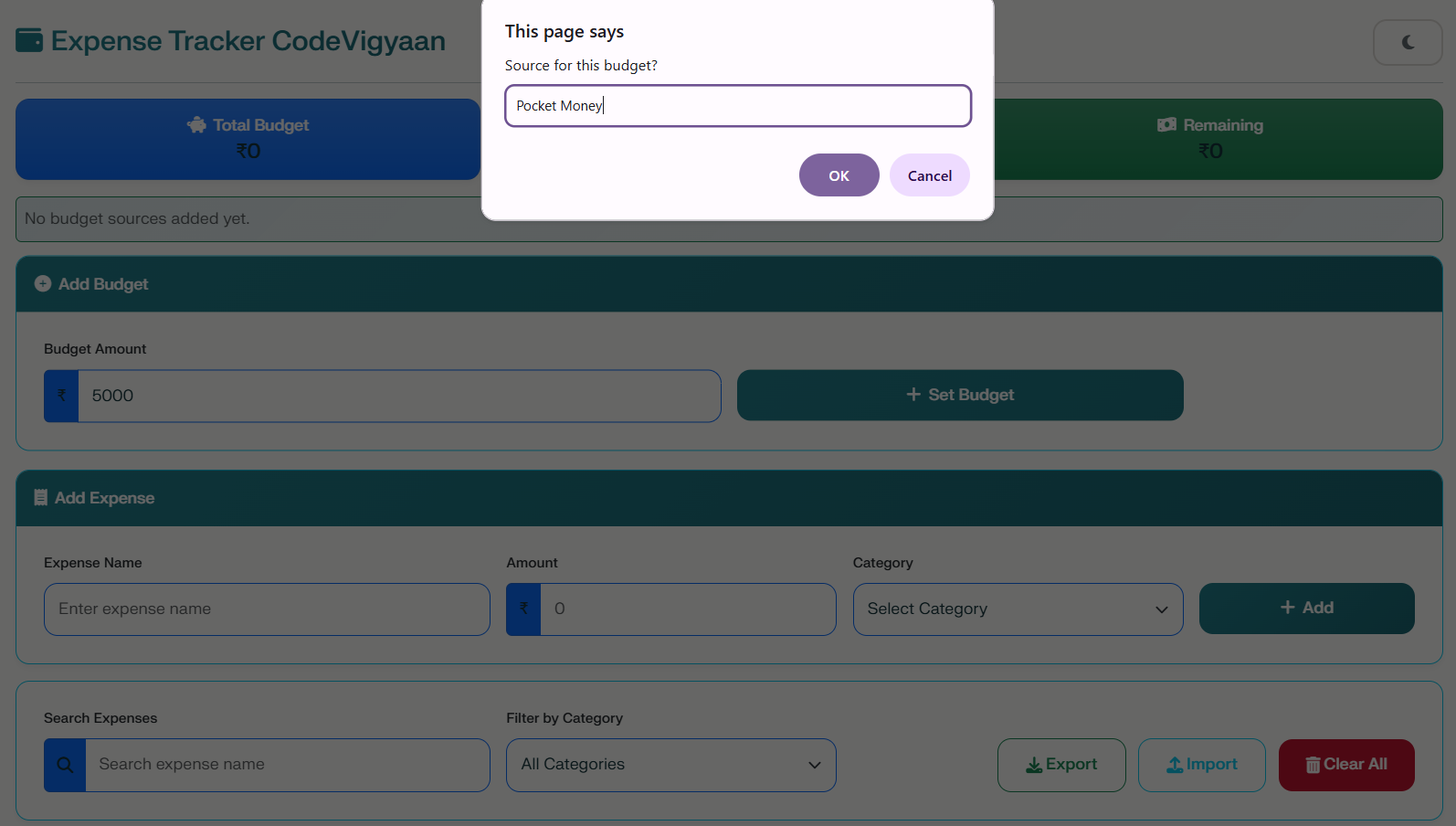
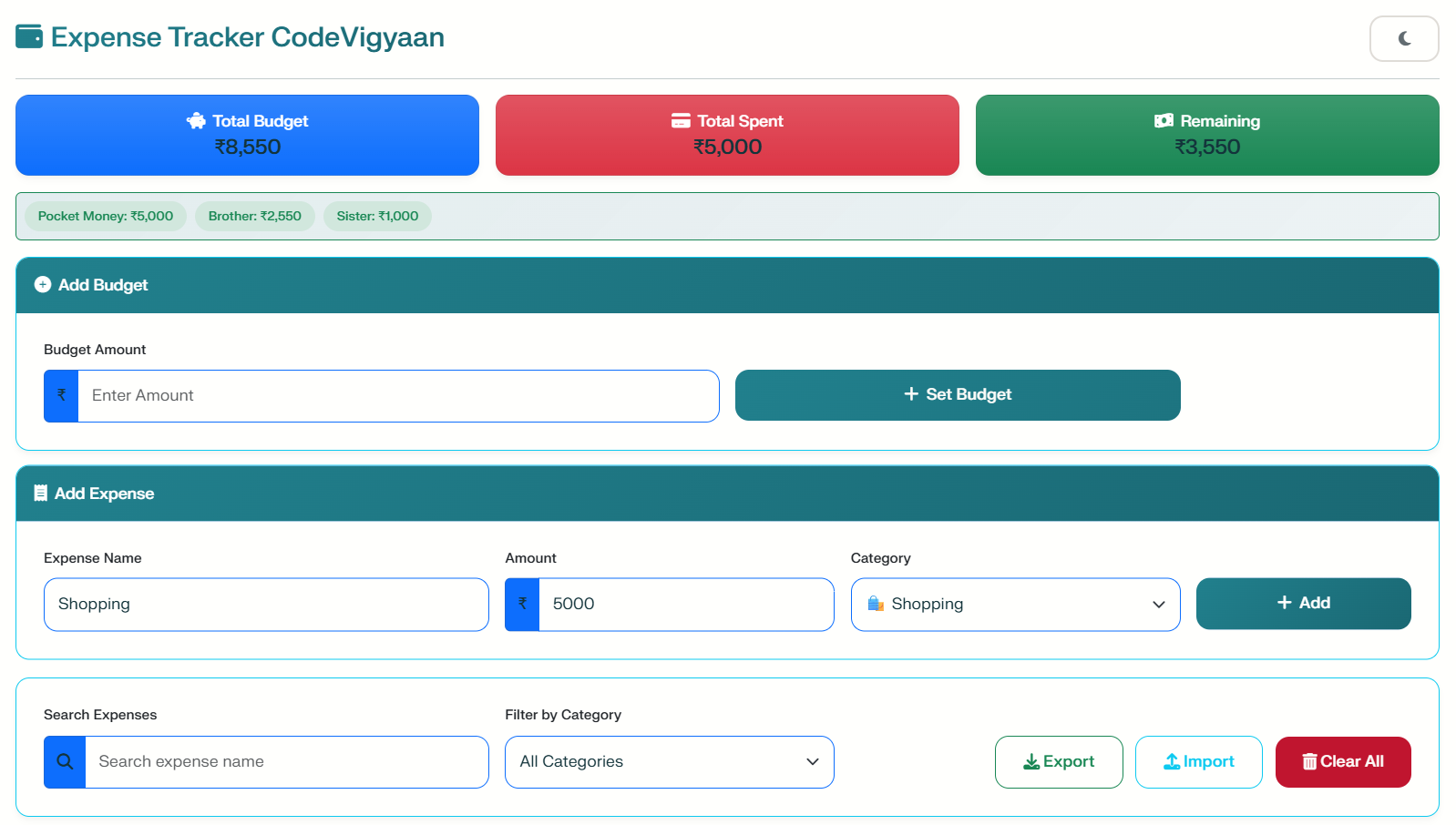
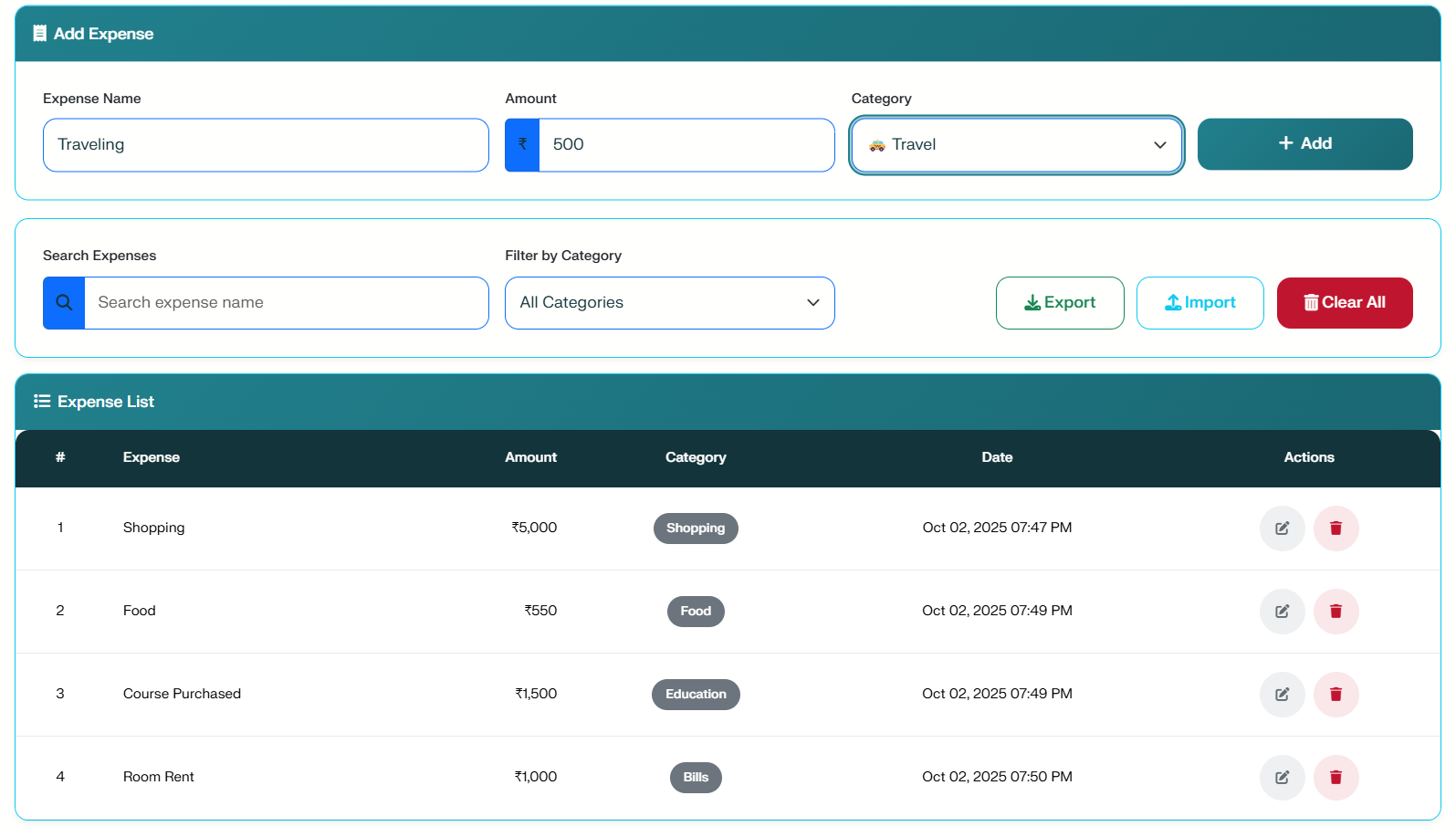
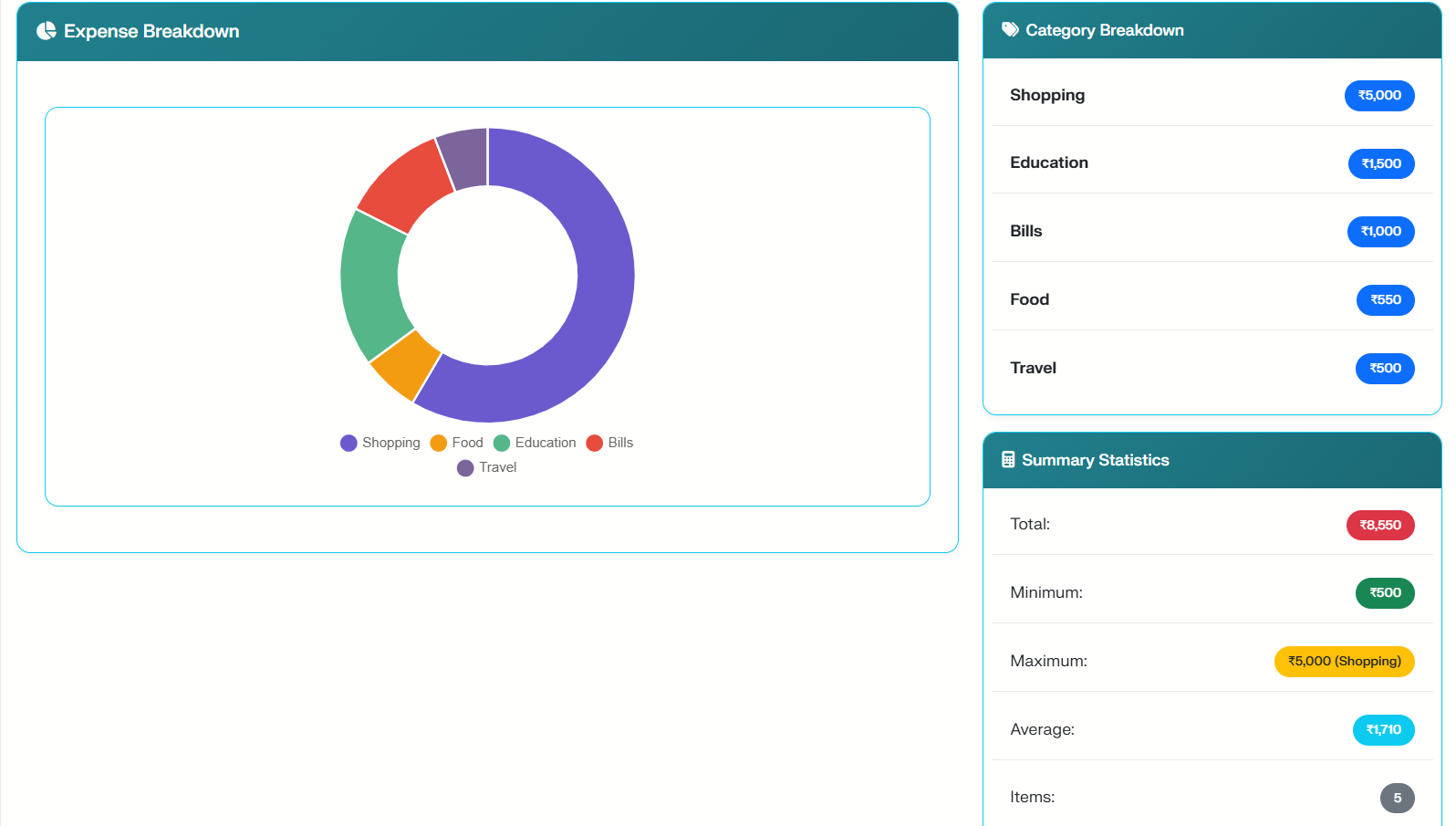
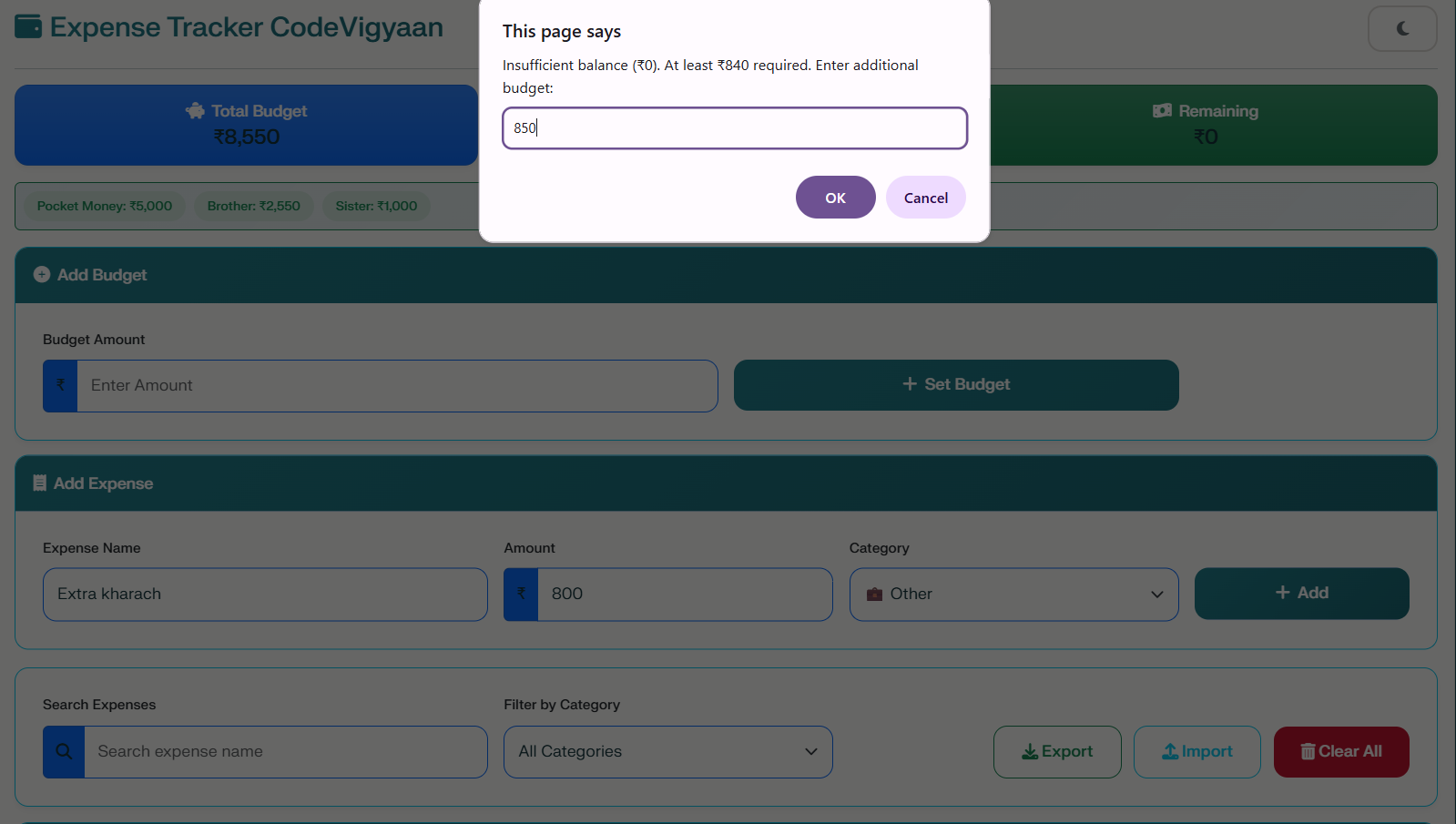
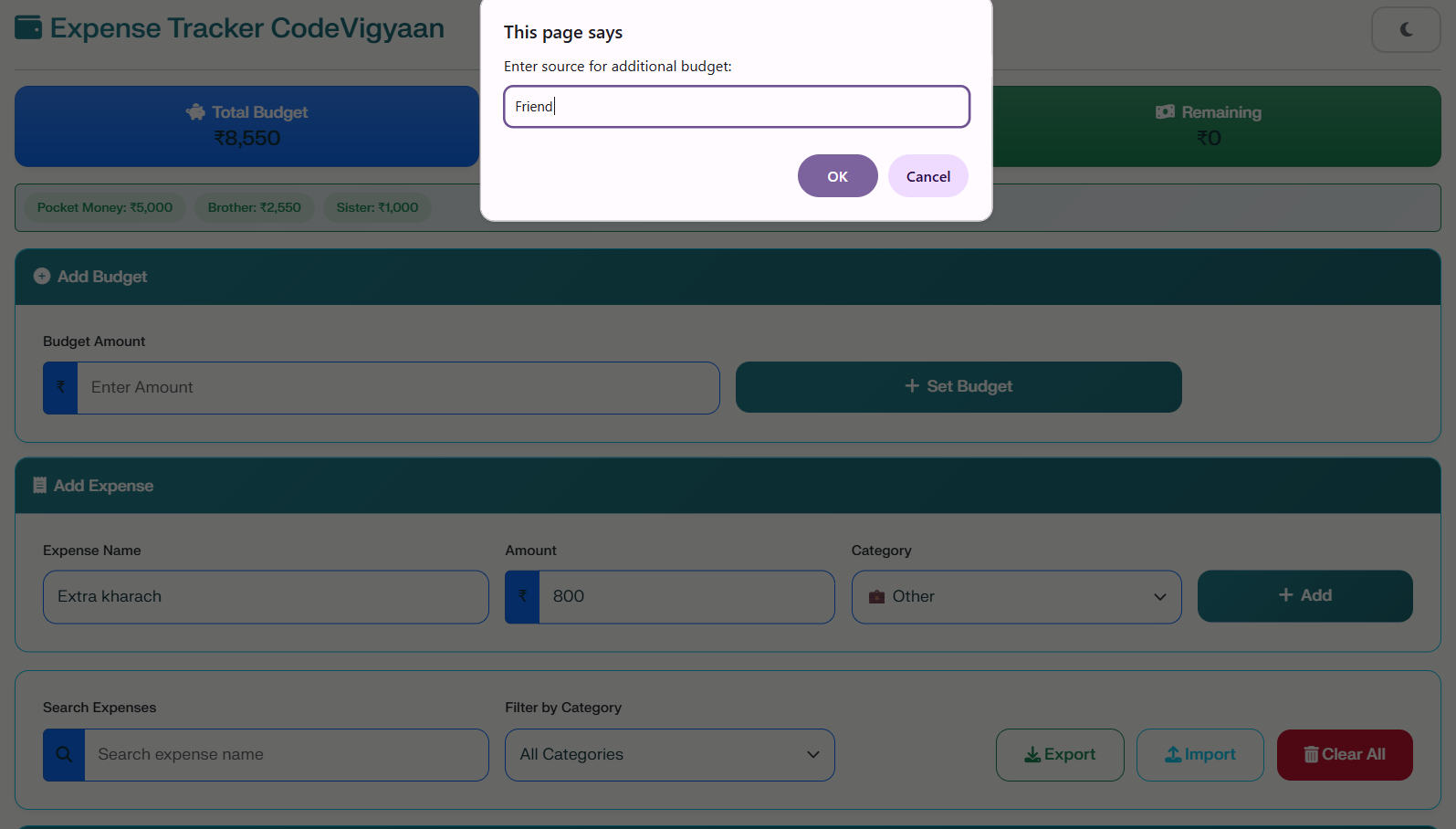
The application allows users to set budgets and add expenses with specific categories. Consequently, you can track your spending in real-time and visualize your habits through interactive charts. Because it focuses on simplicity, the app stores all data locally using browser storage. As a result, there is no need for complex servers or databases, making the project lightweight and easy to deploy.
Why This Project is Ideal for Students
If you are a student, you can use this functional submission to demonstrate your web development skills to professors. Similarly, freshers building a portfolio can showcase this tool to highlight their proficiency in frontend technologies. By studying the source code, learners will understand vital concepts like DOM manipulation and local storage. Moreover, the clean interface supports both dark and light modes for a better user experience.
Key Project Objectives
The primary goal of this project is to provide a user-friendly interface for expense management. Specifically, it enables users to track and optimize their monthly budgets. In addition, the app facilitates detailed reporting of expenses by category and date. We also ensured that the design is fully responsive on all device sizes, including mobile and tablets. This allows for secure data sharing through easy import and export functions.
Benefits of the Expense Tracker
There are numerous advantages to using this project for educational purposes. First, it offers a cost-effective way to learn because it requires no hosting fees. Second, the privacy-focused design ensures all data stays in your browser. Therefore, your financial information remains private. Finally, the automated calculations for totals and averages save you time and reduce manual errors.
Advanced Functional Features
Custom Budgets: Support for multiple budget sources and instant calculations.
Interactive Visuals: See your spending breakdown using professional Chart.js visualizations.
Data Portability: Download your financial data as JSON or import previous records easily.
Accessibility: Includes focus indicators and ARIA labels for screen readers.
Explore More Resources
Free Projects: Visit our Bootstrap Templates section for more coding practice.
Free E-Books: Open our E-Books library to enhance your learning journey.