
Description
Introduction: Why “Three Circles” is the Gold Standard
In the world of User Interface (UI) design, less is almost always more. When a user waits for content to load, they don’t want a complex, distracting animation; they want a signal that the system is working.
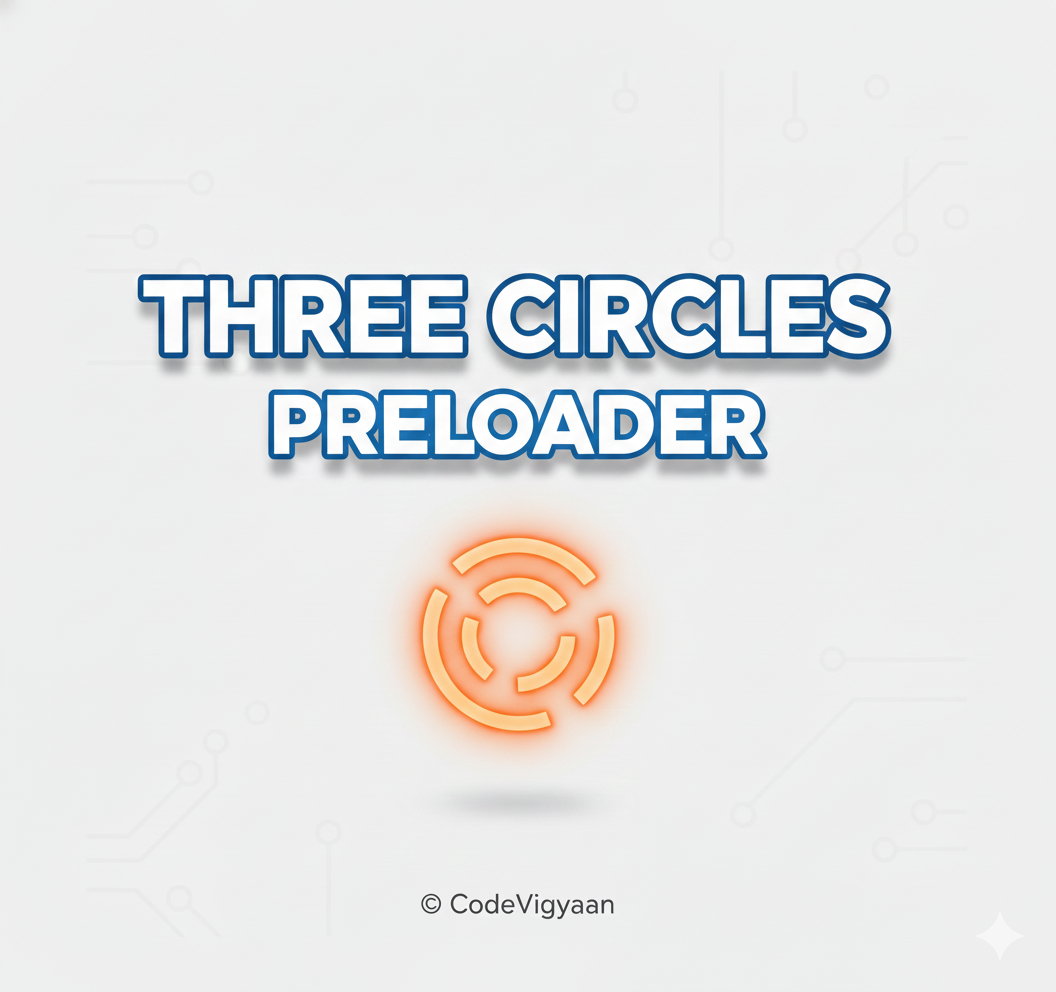
The Three Circles Preloader (often seen as three pulsing or rotating dots) has become the industry standard for modern web applications. Used by giants like Facebook, Slack, and Google, this animation provides a rhythmic, calming visual that reduces perceived wait times and keeps the interface looking professional.
The Benefits of a Three Circles Animation
1. Minimalist Aesthetic
It fits perfectly into “Flat Design” and “Material Design” frameworks. Because it consists of simple geometric shapes, it doesn’t clash with your brand’s existing icons or typography.
2. High Performance
Since it can be built entirely with CSS3, it doesn’t require heavy GIF images or complex JavaScript libraries. This ensures your loading animation doesn’t actually slow down your page load.
3. Versatility
You can animate three circles in dozens of ways:
The Pulse: Each circle grows and shrinks in sequence.
The Bounce: The circles jump up and down.
The Orbit: The circles rotate around a central axis.
Technical Implementation: The Bouncing Trio
Here is the most popular way to build a professional three-circle preloader using only HTML and CSS.
The HTML Structure
We use a simple container with three empty div elements representing the circles.
<div class="three-circles-loader">
  <div class="circle"></div>
  <div class="circle"></div>
  <div class="circle"></div>
</div>
The CSS Magic
We use @keyframes to create a staggered “bouncing” effect by applying an animation-delay to the second and third circles.
.three-circles-loader {
  display: flex;
  justify-content: center;
  align-items: center;
  gap: 8px;
}

.circle {
  width: 15px;
  height: 15px;
  background-color: #007bff; /* Project Theme Color */
  border-radius: 50%;
  animation: bounce 1.4s infinite ease-in-out both;
}

/* Staggering the animation for each circle */
.circle:nth-child(1) { animation-delay: -0.32s; }
.circle:nth-child(2) { animation-delay: -0.16s; }

@keyframes bounce {
  0%, 80%, 100% { transform: scale(0); }
  40% { transform: scale(1.0); }
}
Best Practices for Using Preloaders in 2026
Color Psychology: Use a color that matches your brand’s primary action color. Blue suggests trust and progress, while green suggests success.
Don’t Overstay Your Welcome: If your data loads in under 400ms, don’t show a preloader at all. Fast flashes of loading icons can actually make a site feel slower.
Accessibility (A11y): Ensure you include an
aria-live="polite"attribute on your loader container so screen readers can inform visually impaired users that the page is loading.
Conclusion: Small Dots, Big Experience
The Three Circles Preloader is a testament to the power of simplicity. By implementing this lightweight, professional animation, you provide your users with a polished experience that bridges the gap between a click and a result.
Whether you are building a SaaS dashboard or a personal portfolio, the three-circle animation is a “safe bet” that never goes out of style.